Getting organized: personal inventory management
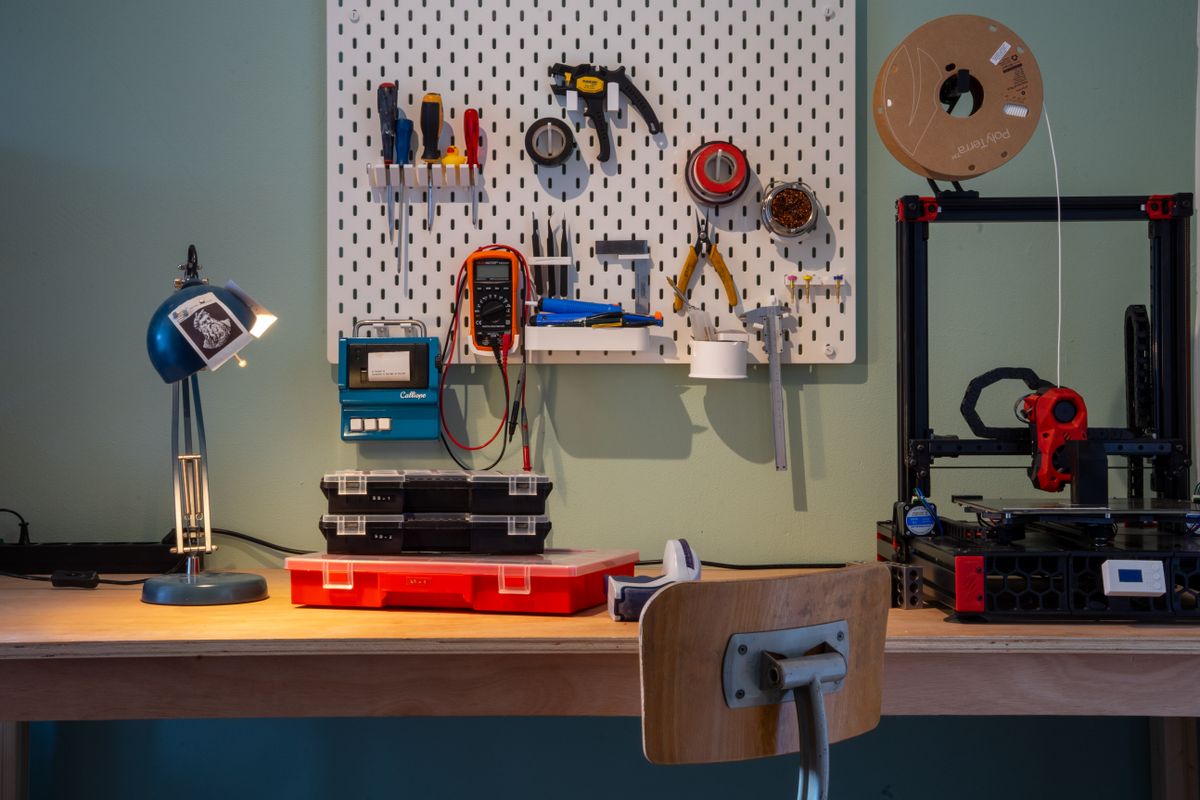
I’ve been hoarding various electrical components/modules over the years, either salvaged from old devices, extras from projects or impulse-buying things that I might be able to use in the future. Today my collection has grown big enough that I no longer have an overview of what I have.
What’s worse is I don’t remember most of the specs of my components, simple things like pinouts or what voltages it operates on. I find myself often looking up the original reseller’s listing of an item, just to make sure I get the right details. Sometimes knock-off components have different specs from the real ones, so I tend to go from the store page. The problem there is of course that these pages go offline over the years.
I decided to put some kind of system in place for tracking what I have. There are existing inventory management solutions like HomeBox which seems pretty good, but I am too lazy to click through the UI and add all my things individually. I’d much rather have some LLM agent take care of this for me, I could of course give one access to the HomeBox API, but then I could not easily audit or revert what the agent is doing.
Plain-text knowledge base
Instead I opted for Thalo, a “plain-text, structured format for capturing knowledge” inspired by the text based accounting language Beancount. It’s a simple human readable format, consisting of entities, entries, links and syntheses (this last one I don’t use here). Your entities are basically the schema of your knowledge base, and the entries the actual rows. Thalo checks the schema of your entries and cross-references your links to make sure your knowledge base is consistent. It’s made to be used in conjunction with LLMs, as those prefer text as an interface but need some guardrails to keep them from messing up. Thalo also works well with Git, which makes everything auditable and reversible.
For my inventory management system I have three entities:
items: any kind of object I want to track in my inventorypurchases: track prices and retailerslocations: where an item is located
An entry looks something like this (abbreviated):
create item "MP1584EN DC-DC buck converter" ^buck-mp1584en
          category: "module"
          part-number: "MP1584EN"
          quantity: 6
          location: ^sb1

          # Specs
          Input: 4.5–24 V
          Output: 0.8–17 V
          ...
Besides what you see here, I also keep track of CAD models (stl/step files), links to datasheets, pinout tables, user guides and my personal notes.
The beauty of this system is that I can give my coding agent a PDF invoice, and have it find all the information I need automatically then review all new entries at once.
Storage
Most of my components are stored in plastic assortment boxes. I have a simple system for labelling these boxes: size (t-shirt sizes) + color + N. I add the labels with a Dymo embossed label maker, which has a nice aesthetic.
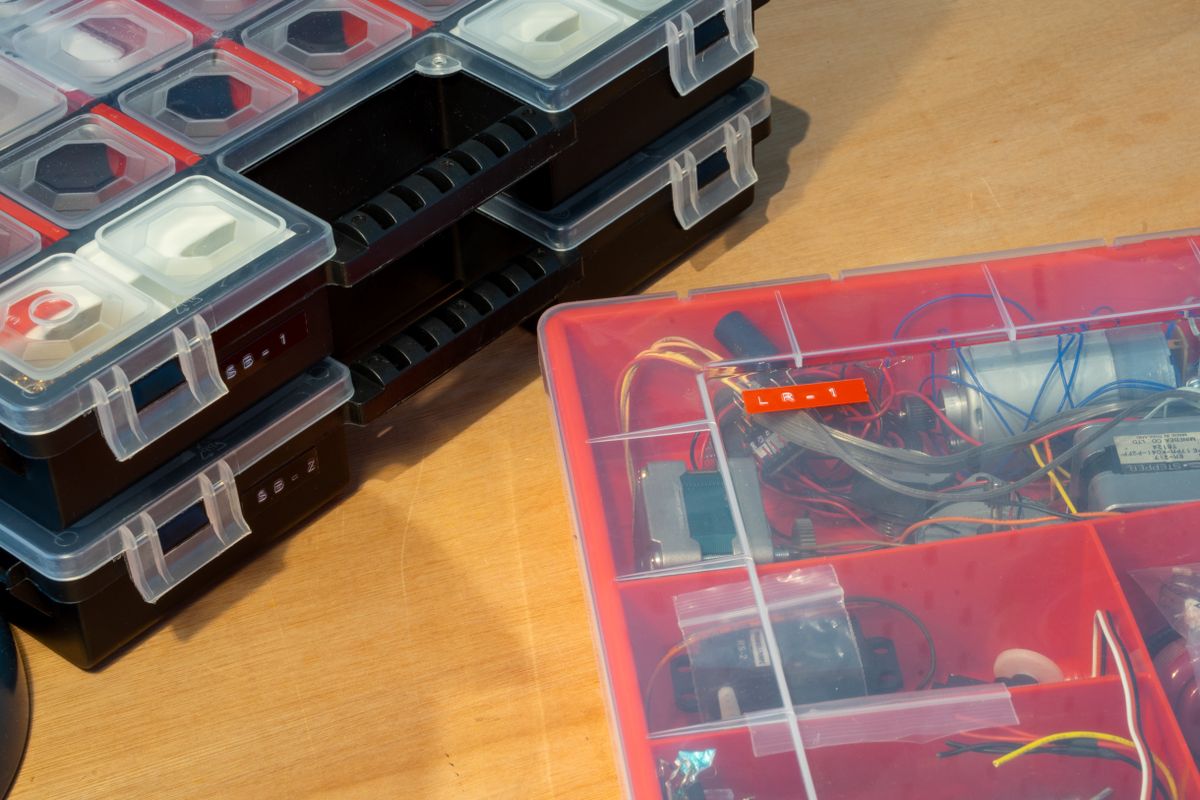
Note that I reference the location above with slug sb1, which corresponds to the following location entry in Thalo:
create location "Small black assortment box 1" ^sb1
          kind: "box"
          label: "SB-1"
Thalo also has a query language that you or your agent can use for finding an item:
$ thalo query 'item where location = ^sr1'

        Query: item where location = ^sr1
        Found: 1 entries

        2026-06-22T10:01Z item DFRobot DFPlayer Mini — MP3 module ^dfplayer-mini #audio
          items/modules.thalo:1-47
Adding an interface
Sometimes I design things with CAD on my iPad while on the go, and being able to reference something quickly anywhere would be great, so I decided to add a simple webpage.
Luckily Thalo has a scripting API that you can plug into a static site generator. I opted for Astro.build because, like Thalo, it has a TypeScript interface. When I commit new entries to the inventory, I have Dokploy rebuild and deploy automatically.
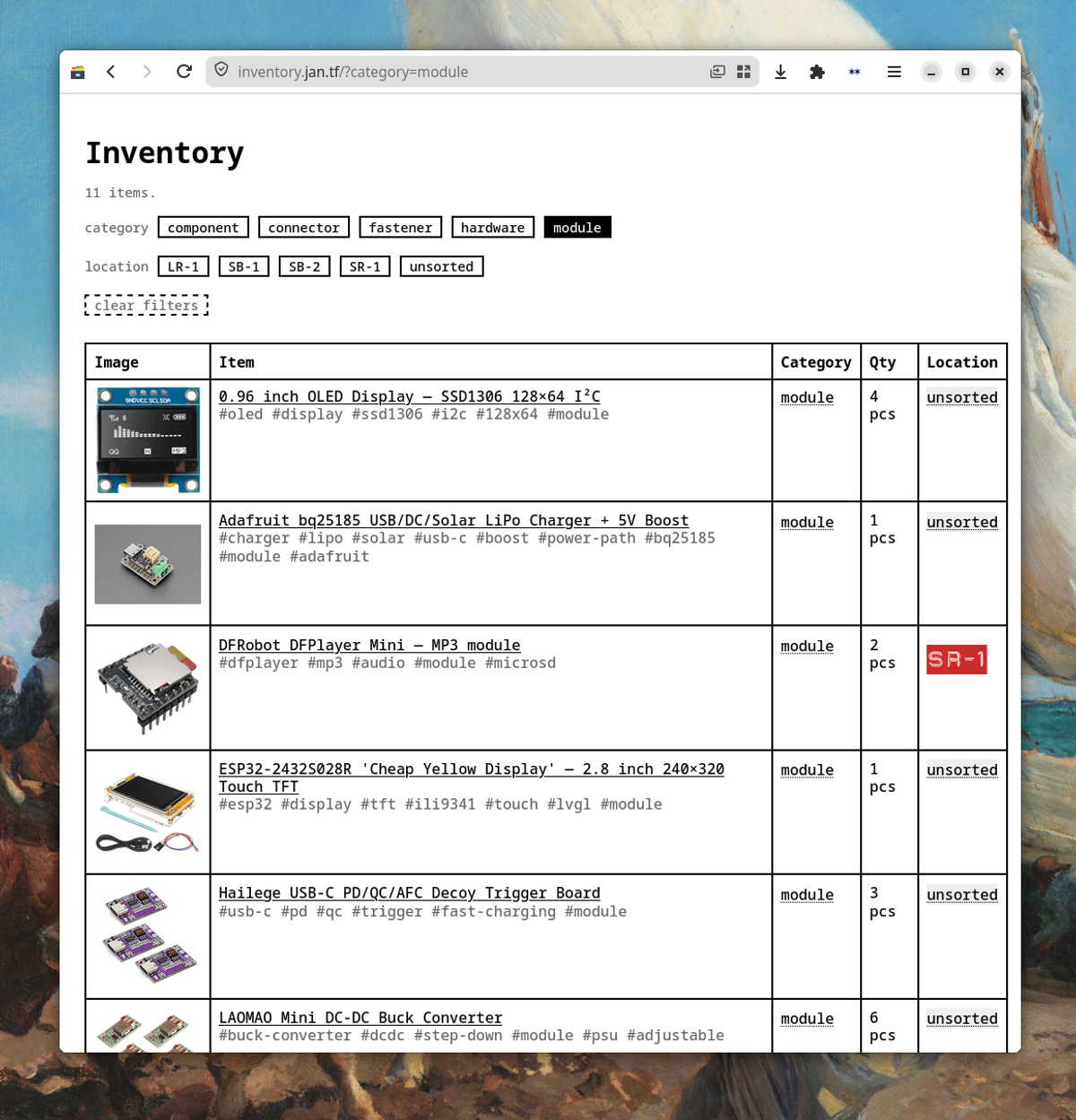
You can see that I’ve included some filtering in the frontend for quick navigation, but the site always loads the whole inventory at once.
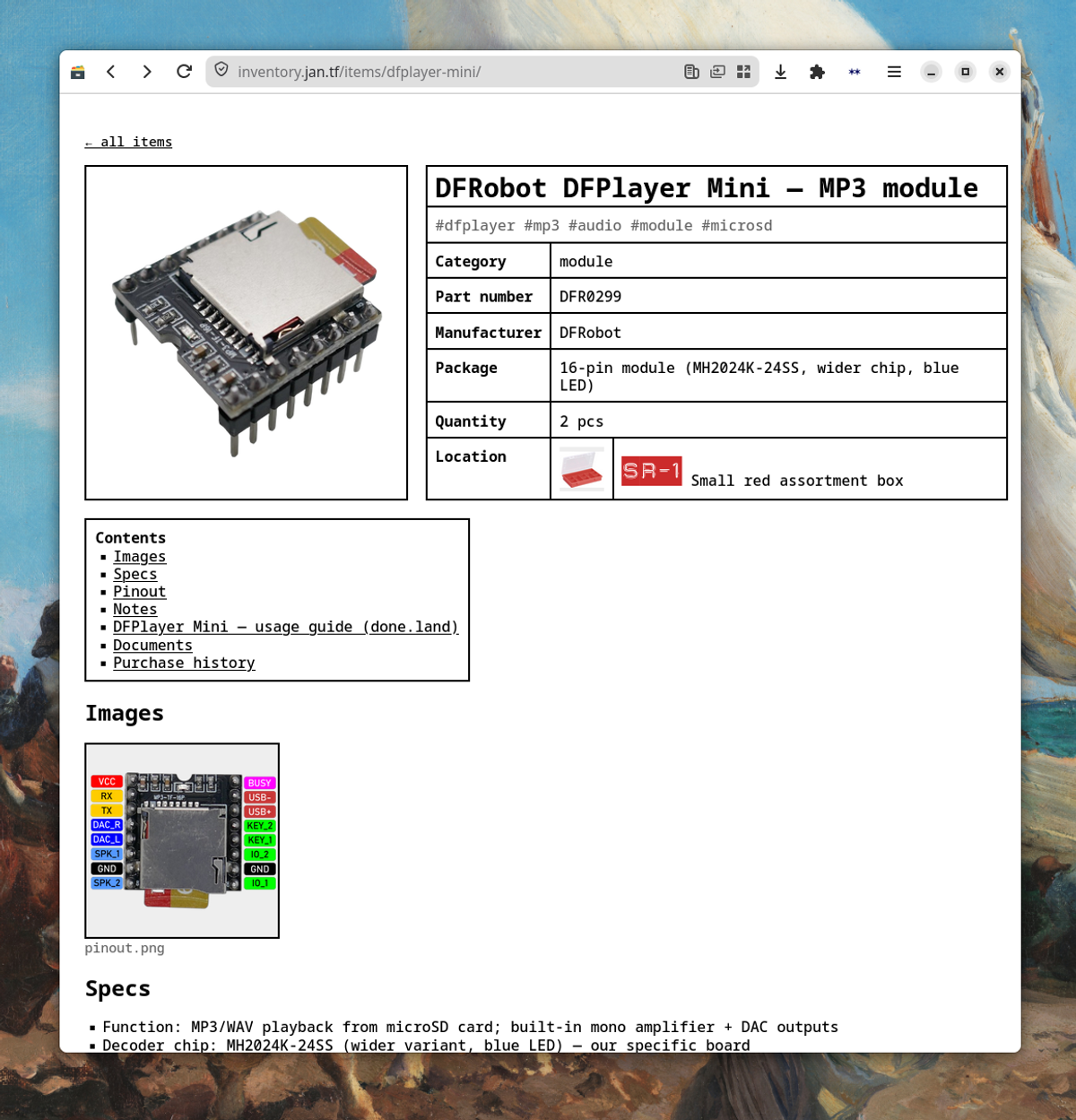
I found a font that matches the look of the Dymo embossed labels that I now also use in the webpage, totally unnecessary but adds a nice touch.
I’m currently using this system, and it has basically all features I need. I haven’t logged everything I own yet however, while it’s trivial to add new purchases, adding salvaged items is still a lot of manual work.
Sadly I can’t open source this project, given that the knowledge base contains personal payment information and serves images which I do not have the rights to.
Reach out to me on blog[at]jan.tf if you need any help to set up the same thing.